Top 15 Xero accounting software Features That Help Small Businesses Save Time
Running a small business requires balancing multiple responsibilities—sales, marketing, operations, and financial management. One of the biggest challenges for small business owners is bookkeeping. Manual accounting tasks such as recording transactions, sending invoices, and tracking expenses can consume hours every week.
This is where Xero accounting software becomes valuable. Xero is a cloud-based accounting platform designed to automate everyday financial tasks and give businesses real-time insights into their finances. Its automation features reduce manual data entry and streamline workflows so business owners can focus on growth instead of bookkeeping.
In this article, we will explore the top 15 Xero features that help small businesses save time, along with how they improve efficiency and financial management.
Why Small Businesses Use Xero
Small businesses often lack dedicated accounting departments. Tools like Xero accounting software simplify accounting by centralizing tasks such as invoicing, expense tracking, reporting, and bank reconciliation in one cloud platform. Businesses and accountants can access financial data in real time from anywhere, improving collaboration and decision-making.
Additionally, Xero integrates with many third-party business apps, allowing companies to automate workflows and reduce repetitive manual work.
Top 15 Xero Features That Save Time
1. Automatic Bank Feeds
One of the most powerful time-saving features in Xero is automatic bank feeds. Instead of manually entering every transaction, Xero automatically imports data from connected bank accounts.
Benefits include:
- Reduced manual data entry
- Faster bookkeeping
- Real-time financial updates
Xero supports connections with thousands of financial institutions worldwide, allowing businesses to keep their books updated automatically.
2. Smart Bank Reconciliation
After transactions are imported, Xero automatically matches them with recorded invoices and expenses. This process is known as bank reconciliation.
Instead of manually checking every transaction, Xero suggests matches and categorizes them automatically, significantly speeding up bookkeeping.
3. Online Invoicing
Creating invoices manually can take a lot of time, especially for service-based businesses.
With Xero’s online invoicing feature, businesses can:
- Create professional invoices quickly
- Send invoices via email
- Accept online payments
- Track unpaid invoices
Automated payment reminders also reduce the need to chase late payments.
4. Automated Payment Reminders
Late payments are common for small businesses. Xero solves this issue with automatic invoice reminders.
Once enabled, the system automatically sends reminders to customers when invoices become overdue. This feature helps businesses maintain healthy cash flow while reducing the time spent on follow-ups.
5. Expense Management
Tracking expenses manually can be difficult and time-consuming. Xero allows businesses to record and categorize expenses easily.
Key features include:
- Receipt uploads
- Automatic expense categorization
- Employee expense claims
- Billable expense tracking
These tools help ensure accurate records while saving hours of administrative work.
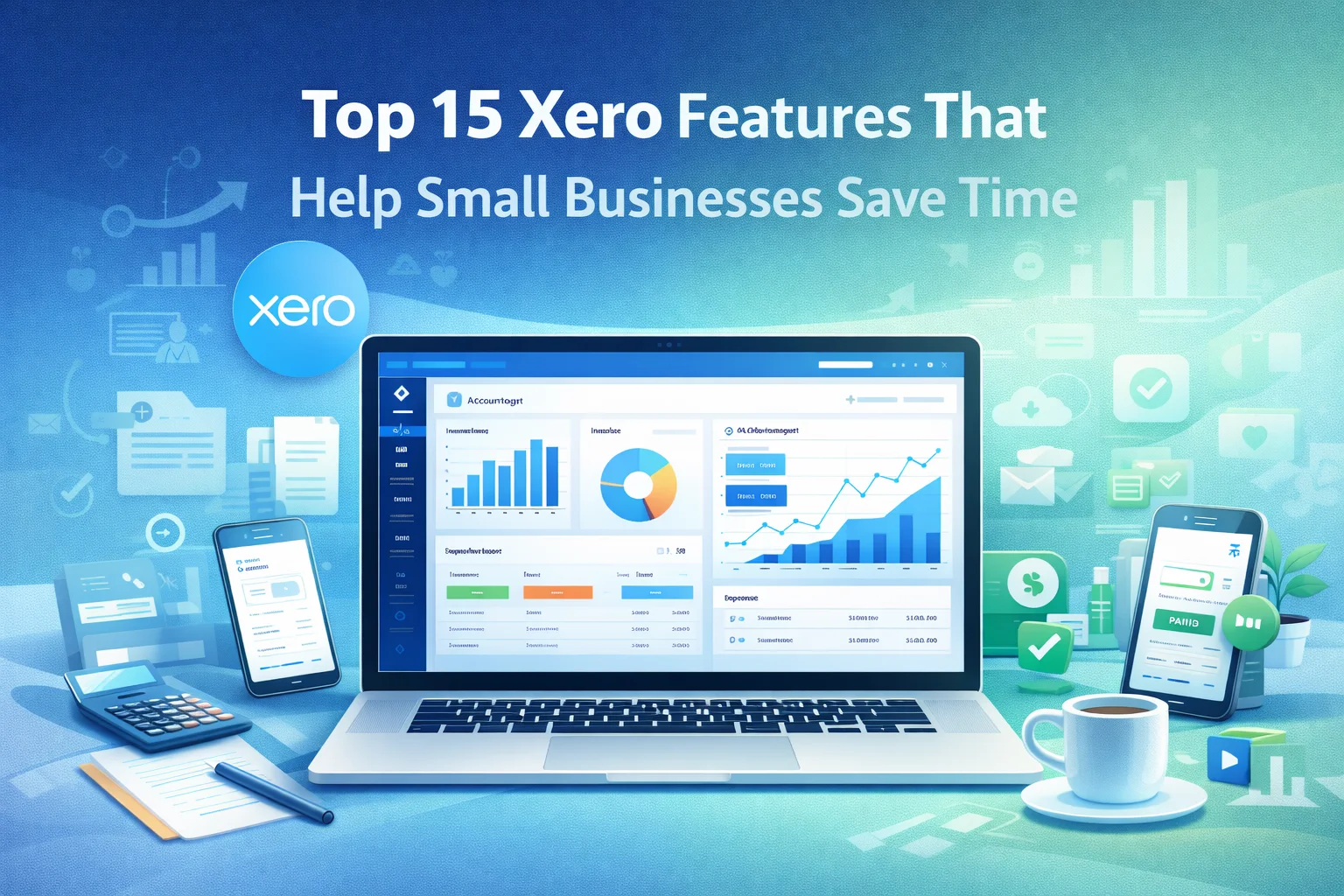
6. Real-Time Financial Dashboard
Xero provides a visual dashboard that displays important financial metrics such as:
- Bank balances
- Outstanding invoices
- Bills to pay
- Cash flow
This allows business owners to instantly understand their financial position without generating multiple reports.
7. Automated Bills and Payables
Small businesses often manage multiple supplier bills every month.
Xero simplifies this process by allowing businesses to:
- Record supplier bills
- Track payment deadlines
- Schedule payments
- Manage accounts payable in one place
This reduces administrative workload and helps prevent missed payments.
8. Financial Reporting and Insights
Xero generates a wide range of financial reports automatically, including:
- Profit and Loss statements
- Balance sheets
- Cash flow reports
- Tax summaries
These reports help business owners understand their performance and make better financial decisions.
9. Project Tracking
For service-based businesses, tracking project costs and profitability is essential.
Xero’s project tracking tools allow businesses to:
- Track project budgets
- Record billable hours
- Monitor project expenses
- Analyze profitability
This helps businesses manage projects more efficiently and avoid financial surprises.
10. Inventory Management
Businesses that sell products can use Xero’s inventory tracking feature.
It helps businesses:
- Monitor stock levels
- Track product costs
- Update inventory automatically when sales occur
This eliminates the need for separate inventory spreadsheets.
11. App Integrations
One of Xero’s biggest advantages is its large ecosystem of integrations.
Businesses can connect Xero with tools such as:
- Payment processors
- CRM systems
- Ecommerce platforms
- Payroll software
- Time-tracking apps
These integrations automate workflows and ensure data flows seamlessly between systems.
12. Mobile Accounting App
Xero offers a mobile application that allows business owners to manage finances from anywhere.
With the mobile app, users can:
- Send invoices
- Capture receipts
- Reconcile transactions
- Check financial performance
This feature is especially helpful for entrepreneurs who work remotely or travel frequently.
13. Purchase Orders
Small businesses that manage suppliers benefit from Xero’s purchase order system.
Users can:
- Create purchase orders
- Track deliveries
- Convert orders into bills
This simplifies procurement management and keeps supplier transactions organized.
14. File Storage and Document Management
Xero allows businesses to store important financial documents in the cloud.
Users can upload and attach:
- Contracts
- Bills
- Receipts
- Supplier documents
This eliminates paper clutter and ensures important files are always accessible.
15. Collaboration with Accountants
Another time-saving advantage of Xero is real-time collaboration with accountants and bookkeepers.
Instead of sending spreadsheets back and forth, accountants can access the same financial data online. This improves accuracy and speeds up financial reporting.
How These Features Benefit Small Businesses
Below is a quick overview of how these features improve efficiency:
| Feature | Time-Saving Benefit |
|---|---|
| Bank Feeds | Automatic transaction imports |
| Bank Reconciliation | Faster bookkeeping |
| Online Invoicing | Quick billing and payments |
| Payment Reminders | Less time chasing invoices |
| Expense Tracking | Easier financial recordkeeping |
| Dashboard | Instant financial overview |
| Reporting | Automated financial insights |
| Integrations | Connected business systems |
| Mobile App | Manage finances anywhere |
| Collaboration | Faster accountant communication |
Who Should Use Xero?
Xero accounting software is especially beneficial for:
- Freelancers and consultants
- Small service businesses
- Ecommerce businesses
- Startups
- Agencies and creative professionals
These businesses benefit the most from automation and real-time financial insights.
Potential Limitations to Consider
While Xero offers powerful automation tools, it may not be ideal for every business.
Possible limitations include:
- Advanced features may require higher plans
- Some functions require third-party integrations
- Large enterprises may need more complex systems
However, for most small businesses, Xero provides more than enough functionality.
Final Thoughts
Accounting does not have to be complicated or time-consuming. With the right tools, small businesses can automate routine financial tasks and focus on growth.
Xero accounting software offers a comprehensive set of automation features that streamline bookkeeping, invoicing, reporting, and expense tracking. From automatic bank feeds to real-time financial dashboards, these tools help business owners save hours every month.
For entrepreneurs who want a modern, cloud-based accounting solution, Xero remains one of the most efficient and reliable platforms available today.
FAQ’s
1. What are the most useful features of Xero accounting software for small businesses?
Some of the most useful features of Xero accounting software include automatic bank feeds, smart bank reconciliation, online invoicing, expense tracking, real-time financial dashboards, and automated reporting. These features help small businesses reduce manual bookkeeping and save time.
2. How does Xero accounting software help businesses save time?
Xero accounting software automates many accounting tasks such as transaction imports, invoice creation, payment reminders, and financial reporting. Automation reduces repetitive work and allows business owners to focus on operations and growth.
3. Can small businesses manage invoices using Xero accounting software?
Yes, Xero accounting software allows businesses to create, customize, and send professional invoices online. It also tracks invoice status and sends automatic reminders to customers for overdue payments.
4. Does Xero accounting software integrate with other business tools?
Yes, Xero accounting software integrates with hundreds of business applications such as payment gateways, ecommerce platforms, payroll tools, and CRM systems. These integrations help automate workflows and improve efficiency.
5. Is Xero accounting software suitable for startups and freelancers?
Yes, Xero accounting software is widely used by startups, freelancers, and small businesses because it provides cloud-based accounting, automated bookkeeping, and real-time financial insights in an easy-to-use platform.