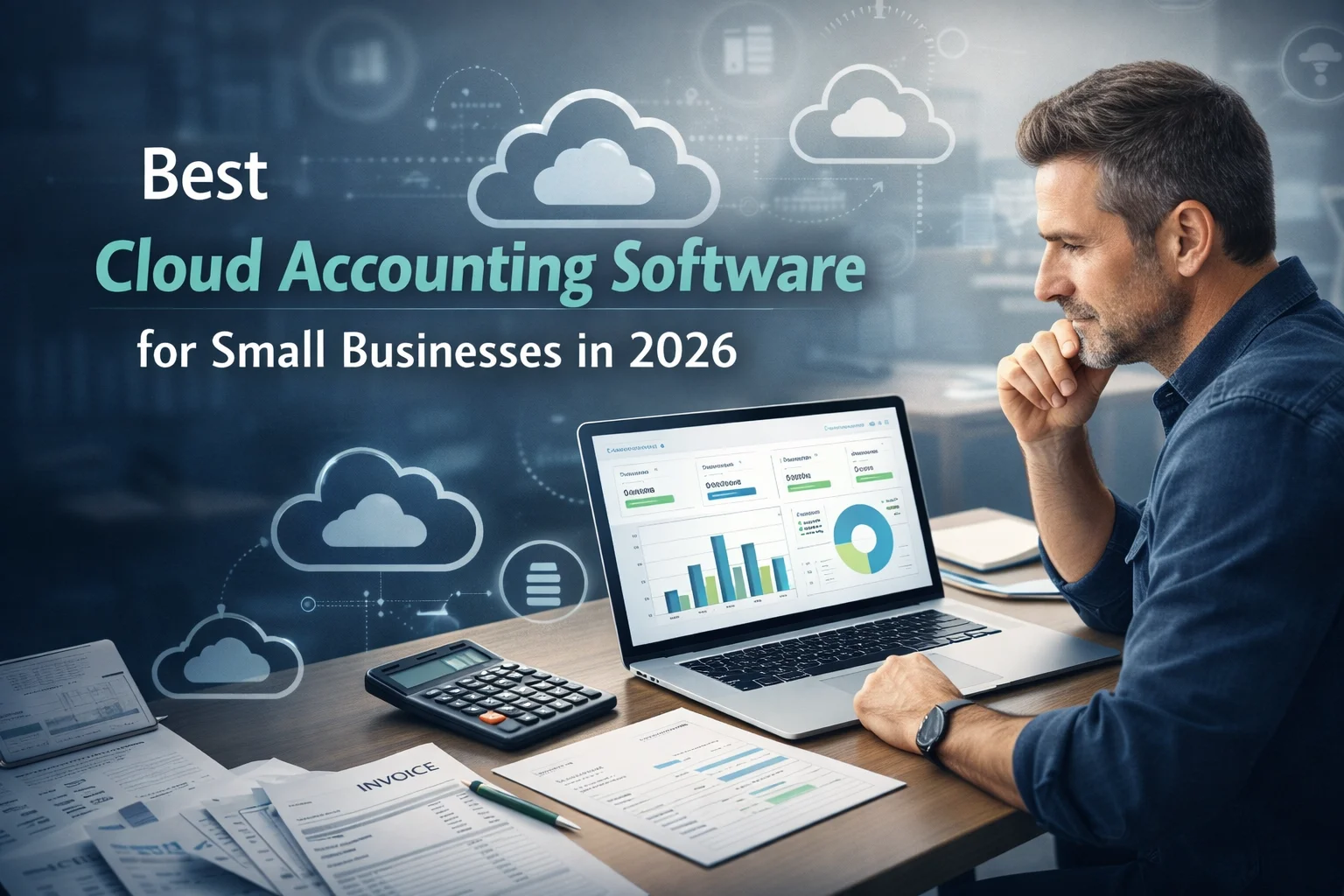
Best Cloud Accounting Software for Small Businesses in 2026
Cloud accounting software has transformed how small businesses manage their finances. Instead of relying on manual bookkeeping or desktop software, businesses can now access financial data anytime through secure cloud platforms. These tools automate many accounting processes such as invoicing, expense tracking, bank reconciliation, and financial reporting.
In 2026, cloud accounting solutions are becoming more advanced with features like AI-powered automation, real-time reporting, and seamless integrations with payment systems and business tools. For small businesses aiming to improve financial efficiency and accuracy, choosing the right cloud accounting software is crucial.
This guide explores the best cloud accounting software for small businesses in 2026, including their key features, pricing, benefits, and how to choose the right platform for your business.
Why Cloud Accounting Is Important for Small Businesses
Cloud accounting platforms store financial data on remote servers rather than local devices. This allows businesses to access their financial records from any device with internet access.
Research shows that cloud accounting tools help businesses improve financial visibility, reduce manual bookkeeping errors, and streamline financial processes. These systems also enable automation and integration with other business applications, increasing efficiency for small business operations.
Key Advantages of Cloud Accounting
- Real-time financial insights
- Automatic bank synchronization
- Secure cloud storage and backups
- Automation of repetitive accounting tasks
- Easy collaboration with accountants
- Scalable features for growing businesses
Because of these benefits, cloud accounting has become the preferred financial management solution for startups and small enterprises worldwide.
Key Features to Look for in Cloud Accounting Software
Before choosing an accounting platform, small businesses should evaluate the features that best match their financial needs.
| Feature | Why It Matters |
|---|---|
| Automated bookkeeping | Reduces manual data entry and errors |
| Invoicing & billing | Simplifies payment collection |
| Expense tracking | Helps monitor spending |
| Financial reporting | Provides insights into business performance |
| Bank integration | Syncs transactions automatically |
| Mobile access | Manage finances anywhere |
| Third-party integrations | Connect with CRM, payroll, or e-commerce tools |
Selecting software with these features ensures better financial control and efficiency.
Top Cloud Accounting Software for Small Businesses in 2026
Below are some of the most reliable cloud accounting platforms widely recommended for small businesses.
1. QuickBooks Online
QuickBooks Online is one of the most widely used accounting platforms globally and is often considered the all-in-one accounting solution for small businesses.
Key Features
- Automated expense tracking
- Invoice creation and payment tracking
- Inventory management
- Sales tax tracking
- Advanced financial reporting
- Integration with over 750 third-party apps
Pricing
Plans typically start around $38 per month, with higher tiers offering advanced features like inventory and project tracking.
Best For
Small businesses that need a comprehensive accounting solution with extensive integrations and scalability.
Pros
- Powerful accounting features
- Large ecosystem of integrations
- Strong reporting tools
Cons
- Higher cost compared to some alternatives
- Limited users in lower plans
2. Xero
Xero is a cloud-based accounting platform known for its user-friendly interface and powerful financial reporting capabilities.
Key Features
- Unlimited users on all plans
- Automated bank reconciliation
- Invoice and bill management
- Expense tracking
- Financial performance dashboards
Pricing
Plans start around $25 per month, depending on features and business size.
Best For
Small businesses that require detailed financial insights and collaboration with multiple users.
Pros
- Clean and intuitive interface
- Excellent financial reporting
- Strong mobile application
Cons
- Limited invoices in entry-level plans
3. Zoho Books
Zoho Books is one of the most cost-effective cloud accounting solutions and integrates seamlessly with the broader Zoho ecosystem.
Key Features
- Automated workflows
- Recurring invoices
- Expense and mileage tracking
- Inventory management
- Multi-currency support
- Integration with payment platforms like PayPal and Stripe
Pricing
- Free plan for businesses with limited revenue
- Paid plans starting around $15 per month
Best For
Startups and small businesses looking for affordable accounting software with automation features.
Pros
- Budget-friendly pricing
- Strong automation tools
- Seamless integration with Zoho apps
Cons
- Some advanced features require higher plans
4. FreshBooks
FreshBooks is designed primarily for freelancers, consultants, and service-based businesses.
Key Features
- Professional invoicing tools
- Time tracking and project management
- Expense tracking
- Client payment portals
- Financial reports and dashboards
Pricing
Plans generally start around $21 per month depending on features and number of clients.
Best For
Freelancers and service professionals who need simple accounting and invoicing tools.
Pros
- Extremely easy to use
- Strong invoicing features
- Built-in time tracking
Cons
- Limited accounting features compared with larger platforms
5. Wave Accounting
Wave is one of the most popular free cloud accounting solutions for small businesses.
Key Features
- Free invoicing and accounting tools
- Expense tracking
- Financial reporting
- Bank transaction syncing
Pricing
Wave offers free accounting software, with optional paid services such as payroll and payment processing.
Best For
Startups and very small businesses with limited budgets.
Pros
- Free accounting software
- Easy setup
- Suitable for simple bookkeeping
Cons
- Limited advanced accounting features
Comparison of the Best Cloud Accounting Software
| Software | Starting Price | Best For | Key Strength |
|---|---|---|---|
| QuickBooks Online | $38/month | Growing small businesses | Comprehensive features |
| Xero | $25/month | Collaboration & reporting | Unlimited users |
| Zoho Books | Free / $15+ | Budget-friendly automation | Scalable pricing |
| FreshBooks | $21/month | Freelancers | Easy invoicing |
| Wave | Free | Startups | Cost-effective bookkeeping |
How to Choose the Right Accounting Software
Selecting the right platform depends on your business size, budget, and financial complexity.
Consider These Factors
1. Business Size
Freelancers may prefer simple tools like FreshBooks, while larger small businesses may need advanced features from QuickBooks or Xero.
2. Budget
Startups often begin with free or low-cost platforms such as Wave or Zoho Books.
3. Integrations
Businesses using e-commerce or CRM systems should choose software that integrates easily with their existing tools.
4. Automation Features
Automation helps reduce manual bookkeeping work and improves accuracy.
5. Scalability
Choose software that can grow with your business and handle increasing financial complexity.
Emerging Trends in Cloud Accounting for 2026
The accounting software industry is evolving rapidly with new technologies and innovations.
1. AI-Powered Bookkeeping
Artificial intelligence is increasingly used to automate financial data entry and categorize transactions.
2. Real-Time Financial Insights
Businesses can now track financial performance instantly through dashboards and analytics.
3. Automation of Financial Workflows
Tasks such as invoice generation, payment reminders, and expense tracking are becoming fully automated.
4. Integration with Business Ecosystems
Modern accounting software integrates with CRM systems, payment gateways, payroll platforms, and e-commerce stores.
These trends make cloud accounting platforms more powerful and valuable for small businesses.
Final Thoughts
Cloud accounting software has become an essential tool for modern small businesses. These platforms simplify bookkeeping, automate financial processes, and provide real-time insights into business performance.
Solutions such as QuickBooks Online, Xero, Zoho Books, FreshBooks, and Wave offer powerful features that help businesses manage their finances efficiently. Each platform serves different business needs, from freelancers and startups to growing companies with complex financial requirements.
Choosing the right cloud accounting software depends on factors like budget, scalability, integrations, and the specific financial needs of your business. By investing in the right solution, small businesses can improve financial accuracy, save time, and focus more on growth and strategic decision-making.
FAQ’s
1. What is cloud accounting software?
Cloud accounting software is an online financial management system that allows businesses to manage bookkeeping, invoicing, expenses, and financial reports through the internet. Unlike traditional accounting software, cloud platforms store data securely online, allowing business owners and accountants to access financial information from anywhere.
2. What is the best cloud accounting software for small businesses in 2026?
Some of the best cloud accounting software for small businesses in 2026 include QuickBooks Online, Xero, Zoho Books, FreshBooks, and Wave. Each platform offers different features such as automated bookkeeping, invoicing tools, financial reporting, and integrations with other business applications.
3. Why should small businesses use cloud accounting software?
Cloud accounting software helps small businesses automate bookkeeping tasks, track expenses, manage invoices, monitor cash flow, and generate financial reports in real time. It also improves collaboration with accountants and ensures secure data storage with automatic backups.
4. Is cloud accounting software secure for financial data?
Yes, most modern cloud accounting platforms use advanced security measures such as encryption, secure data centers, and multi-factor authentication to protect financial data. These security features make cloud accounting systems safer than many traditional desktop solutions.
5. How do I choose the right cloud accounting software for my business?
To choose the right cloud accounting software, consider factors such as your business size, budget, required features, integration with other tools, ease of use, and scalability. Many platforms also offer free trials, allowing businesses to test the software before making a decision.