What Is Xero? Complete Beginner’s Guide for Small Businesses
In today’s fast-paced business world, managing finances efficiently is critical to the success of any small business. From tracking expenses to generating invoices and reconciling bank accounts, proper accounting ensures financial clarity and compliance. For many small businesses, freelancers, and startups, cloud-based accounting software like Xero has become a go-to solution.
This beginner’s guide explains what Xero is, its key features, pricing, benefits, and how small businesses can leverage it for efficient financial management.
What Is Xero?
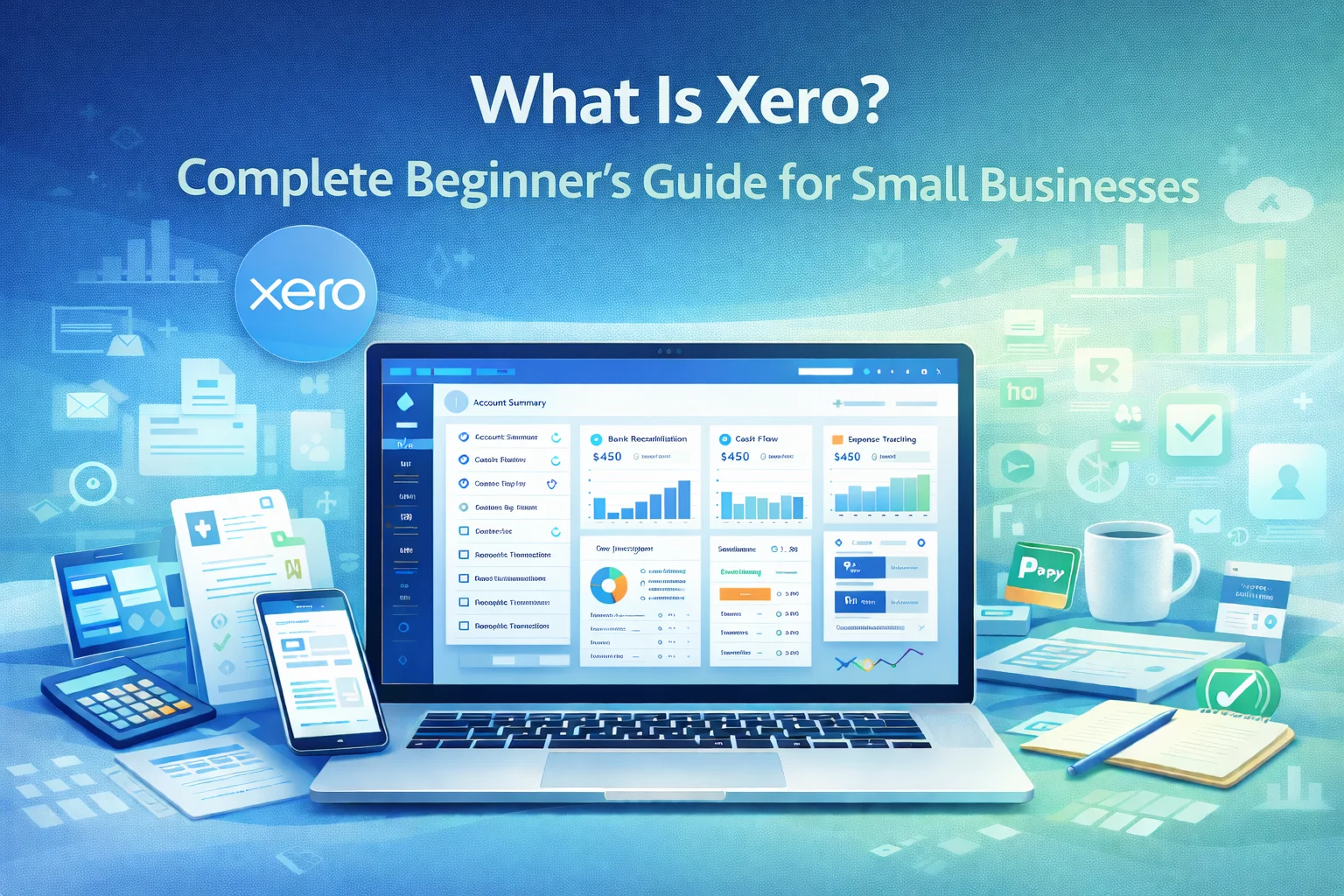
Xero is a cloud-based accounting software designed for small businesses, accountants, and bookkeepers. Founded in 2006 in New Zealand, Xero has grown into one of the most popular accounting solutions worldwide, with millions of subscribers.
Unlike traditional accounting software, Xero is fully online, allowing business owners and accountants to access financial data anytime, anywhere, using a web browser or mobile app. Its intuitive interface and automation tools make it ideal for small business owners with little to no accounting experience.
Why Small Businesses Use Xero
Small businesses face unique accounting challenges such as limited staff, tight budgets, and manual bookkeeping errors. Xero addresses these challenges through:
- Ease of Use – Simple dashboards, easy-to-navigate menus, and guided workflows.
- Automation – Bank feeds, recurring invoices, expense tracking, and payment reminders reduce manual work.
- Real-Time Access – Access financial data anytime, anywhere via web or mobile apps.
- Scalability – Suitable for startups, freelancers, and growing businesses with expanding needs.
- Integration – Works seamlessly with over 1,000 third-party apps, including payment gateways, CRMs, ecommerce platforms, and payroll systems.
Key Features of Xero
Xero provides a comprehensive suite of tools for small business accounting. Here’s an overview of its most valuable features:
1. Bank Reconciliation
- Automatically imports bank transactions daily.
- Suggests matches for invoices, bills, and expenses.
- Minimizes manual reconciliation errors.
Benefit: Saves time and ensures accurate financial records.
2. Invoicing and Billing
- Create professional invoices and quotes.
- Automate recurring invoices for subscription-based services.
- Send invoice reminders automatically.
Benefit: Improves cash flow management and reduces late payments.
3. Expense Management
- Track employee expenses and reimbursements.
- Capture receipts digitally using Hubdoc integration.
- Categorize expenses accurately for reporting and tax purposes.
Benefit: Simplifies expense tracking and reduces paperwork.
4. Payroll Integration
- Manage employee salaries, taxes, and deductions.
- Automate payroll calculations according to local tax regulations.
- Generate payroll reports for compliance.
Benefit: Reduces administrative workload and ensures tax compliance.
5. Inventory Management
- Track stock levels, sales, and purchases.
- Automatic updates for inventory adjustments and reordering.
- Integration with ecommerce platforms like Shopify or WooCommerce.
Benefit: Helps small businesses manage stock efficiently and reduce losses.
6. Financial Reporting
Xero provides a wide range of reports for data-driven decision-making:
| Report | Purpose |
|---|---|
| Profit & Loss | Shows revenue, costs, and net profit |
| Balance Sheet | Displays assets, liabilities, and equity |
| Cash Flow Statement | Tracks money coming in and out of the business |
| Aged Receivables | Tracks outstanding invoices |
| Aged Payables | Monitors pending supplier bills |
Benefit: Gives clear insights into financial health, helping business owners make informed decisions.
7. Multi-Currency Support
- Handle transactions in multiple currencies.
- Automatic exchange rate updates.
- Suitable for small businesses dealing with international clients.
Benefit: Simplifies global business accounting.
8. Collaboration & User Access
- Invite accountants or team members to access Xero.
- Set different permission levels for security.
- Track activity with audit trails.
Benefit: Encourages teamwork while maintaining data security.
9. Mobile App
- Available on iOS and Android.
- Access invoices, bills, bank reconciliation, and reports on the go.
- Capture receipts using the mobile camera.
Benefit: Business owners can manage finances anytime, anywhere.
Xero Pricing Plans (Updated for 2026)
Xero offers three main subscription plans tailored for small business needs:
| Plan | Price (Monthly) | Features |
|---|---|---|
| Starter | $15 | Send 20 invoices, enter 5 bills, reconcile bank transactions, capture receipts |
| Standard | $30 | Unlimited invoices & bills, bank reconciliation, expense tracking, basic reporting |
| Premium | $60 | Standard features + multi-currency accounting, advanced reporting, payroll (for up to 10 employees) |
Tip: Start with the Standard plan for most small businesses, then upgrade to Premium as your needs grow.
Benefits of Using Xero for Small Businesses
- Time-Saving Automation – Reduce repetitive tasks and focus on growing the business.
- Accuracy and Compliance – Keep financial records up to date and reduce errors.
- Remote Access – Manage finances from anywhere, ideal for entrepreneurs on the go.
- Integration with Apps – Connect with tools like Stripe, Shopify, PayPal, and CRMs.
- Scalable Solution – Adjust plans and features as business grows.
Getting Started With Xero
- Sign Up – Start with a free trial on Xero.com.
- Set Up Business Info – Add company details, logo, financial year-end, and tax settings.
- Connect Bank Accounts – Enable automatic transaction feeds.
- Add Products/Services and Clients – Input items you sell and customer details.
- Start Invoicing & Expense Tracking – Generate invoices and capture receipts digitally.
- Reconcile Regularly – Match bank transactions to ensure accuracy.
- Review Reports – Monitor profit, cash flow, and aged receivables/payables.
Tips for Small Businesses to Maximize Xero
- Automate wherever possible – recurring invoices, payment reminders, bank rules.
- Use integrations – connect ecommerce, payroll, and payment systems.
- Train your team – consistent use reduces errors.
- Review reports monthly – ensure you’re on top of cash flow and profitability.
- Backup key reports – even though Xero is cloud-based, regular backups are good practice.
Conclusion
Xero is more than just accounting software—it is a complete financial management platform designed for small businesses, freelancers, and startups. Its cloud-based infrastructure, automation features, integration ecosystem, and easy-to-use interface make it ideal for entrepreneurs with little accounting experience.
By leveraging Xero’s tools for invoicing, bank reconciliation, expense management, payroll, and reporting, small business owners can save time, improve accuracy, and make informed financial decisions.
Whether you’re just starting a small business or looking to upgrade your accounting system, Xero provides a scalable, reliable solution for modern small business accounting.
FAQ’s
1. What is Xero used for?
Xero is cloud-based accounting software used to manage small business finances, including invoicing, bank reconciliation, payroll, and reporting.
2. Is Xero suitable for beginners?
Yes. Its intuitive interface and automated workflows make it ideal for users with little accounting experience.
3. Can Xero handle payroll?
Yes. Xero’s payroll feature manages salaries, tax calculations, deductions, and compliance.
4. How much does Xero cost for small businesses?
Xero offers three plans: Starter ($15), Standard ($30), and Premium ($60) per month.
5. Can Xero integrate with other apps?
Yes. Xero supports integrations with over 1,000 apps, including Shopify, PayPal, Stripe, and CRMs.