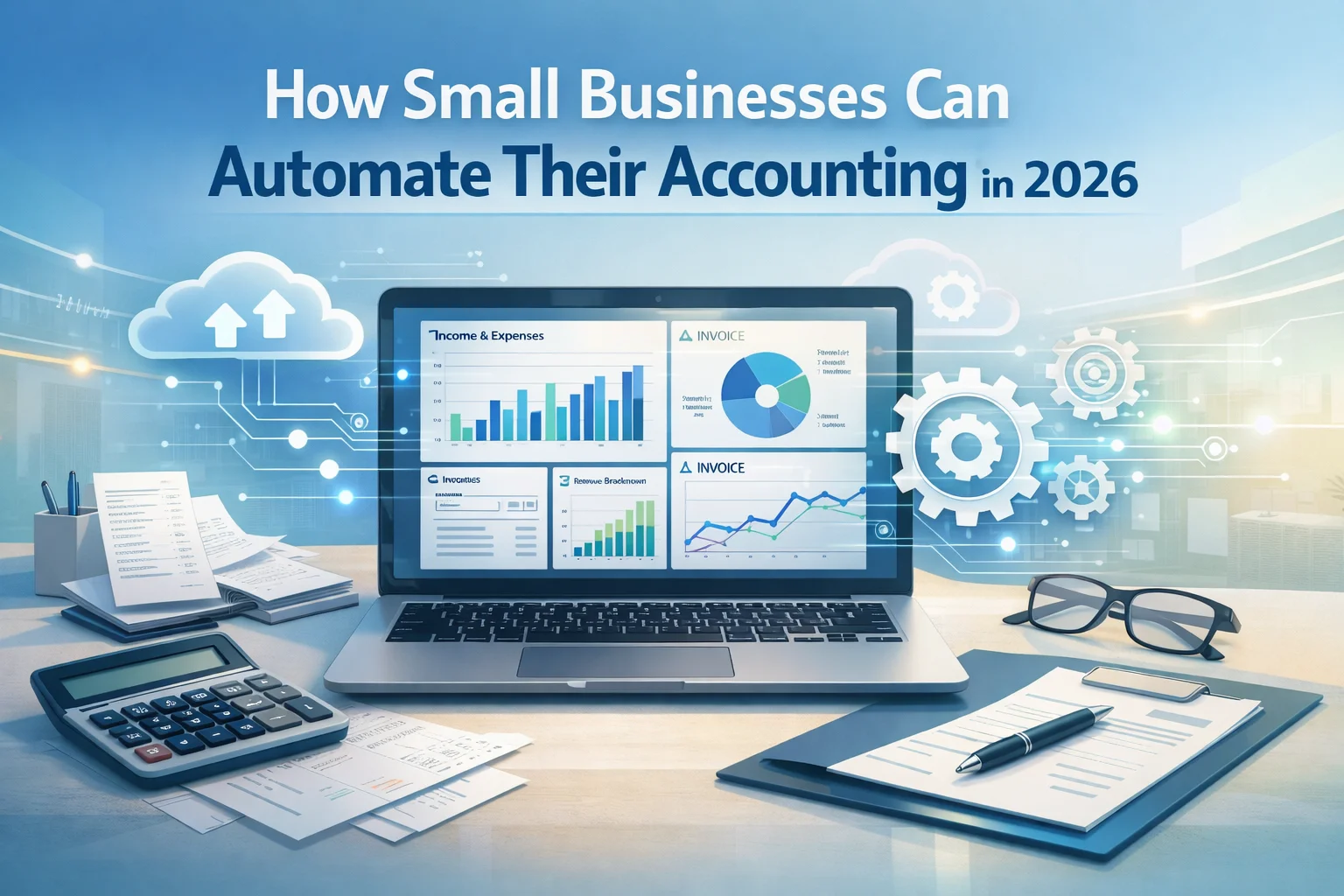
How Small Businesses Can Automate Their Accounting in 2026
In 2026, automation is transforming how small businesses manage their finances. Tasks that once required hours of manual bookkeeping—such as data entry, invoicing, reconciliation, and financial reporting—can now be handled automatically using cloud accounting platforms and artificial intelligence (AI). For entrepreneurs and small business owners, automation is no longer a luxury; it has become a critical tool for saving time, reducing errors, and making smarter financial decisions.
According to industry research, over 68% of small businesses have adopted at least one AI-powered bookkeeping tool, while companies that automate most accounting tasks report 30% faster month-end closing and average annual savings of around $10,900 in labor costs.
This article explores how small businesses can automate their accounting in 2026, including the technologies involved, benefits, implementation strategies, and the best practices for success.
Why Accounting Automation Matters for Small Businesses
Accounting automation refers to using software, AI tools, and integrations to handle repetitive financial tasks with minimal human involvement. Instead of manually recording transactions or reconciling accounts, automation tools perform these processes automatically.
Key Reasons Businesses Are Automating Accounting
| Benefit | Explanation |
|---|---|
| Time Savings | Automation reduces hours spent on manual bookkeeping tasks. |
| Higher Accuracy | Automated systems minimize human error in financial records. |
| Real-Time Financial Insights | Business owners can access financial reports instantly. |
| Improved Cash Flow | Automated invoicing and payment reminders help businesses get paid faster. |
| Scalability | Automation supports business growth without needing large accounting teams. |
Automation allows entrepreneurs to focus more on business strategy, customer service, and growth rather than administrative work.
Technologies Driving Accounting Automation in 2026
Several modern technologies are enabling this transformation in financial management.
1. Artificial Intelligence (AI)
AI is the backbone of modern accounting automation. It can analyze financial data, categorize transactions, and detect anomalies.
AI-powered tools can automatically:
- Categorize bank transactions
- Detect unusual spending patterns
- Predict cash flow trends
- Generate financial insights
Many accounting platforms now include AI assistants that automate bookkeeping tasks like tracking payments, sending invoices, and reconciling records, saving business owners hours each month.
AI also improves accuracy by learning patterns in transactions and reducing misclassifications.
2. Cloud Accounting Software
Cloud accounting platforms have become the standard for small businesses. These systems store financial data online and allow real-time collaboration between business owners, accountants, and financial advisors.
Popular platforms include:
- QuickBooks Online
- Xero
- FreshBooks
- Zoho Books
These platforms automatically update financial records and provide instant access to reports like profit and loss statements or balance sheets.
Cloud tools also enable integration with banks, payment processors, payroll systems, and e-commerce platforms.
3. Optical Character Recognition (OCR)
OCR technology allows software to read receipts, invoices, and documents automatically.
Instead of manually entering expenses, users can simply upload a receipt or take a photo. The system extracts relevant information such as:
- Vendor name
- Date
- Amount
- Category
The transaction is then recorded automatically in the accounting system.
4. Workflow Automation Tools
Automation tools help connect accounting systems with other business applications.
Examples include:
- CRM software
- Payroll platforms
- Inventory management systems
- E-commerce platforms
When these systems are integrated, financial data flows automatically between them. For example, a sale made on an online store can instantly update accounting records.
Accounting Tasks Small Businesses Can Automate
Automation can handle many accounting processes that traditionally required manual effort.
1. Transaction Recording
Modern accounting software automatically imports transactions from bank accounts and credit cards.
The system categorizes expenses based on previous behavior, vendor recognition, and predefined rules.
Example:
Payments to a fuel station can automatically be categorized as transportation expenses.
2. Invoice Creation and Payment Tracking
Automated invoicing tools allow businesses to:
- Generate invoices automatically
- Send invoices via email
- Track payment status
- Send reminders for overdue payments
Automated invoicing systems also help improve cash flow by reducing payment delays.
3. Bank Reconciliation
Bank reconciliation compares internal records with bank statements.
Automation tools can match transactions automatically and flag discrepancies. This reduces the risk of missing transactions or accounting mistakes.
4. Expense Management
Expense management systems automatically track and categorize business expenses.
Employees can upload receipts through mobile apps, and the system automatically records the expense.
Benefits include:
- Better expense tracking
- Simplified reimbursement
- Accurate financial reporting
5. Payroll Processing
Payroll automation handles:
- Employee salary calculations
- Tax deductions
- Direct deposits
- Compliance reporting
Automated payroll systems reduce administrative work and ensure tax compliance.
Step-by-Step Guide to Automating Accounting
Small businesses can implement automation gradually using the following steps.
Step 1: Evaluate Current Accounting Processes
Start by identifying repetitive tasks such as:
- Data entry
- Expense tracking
- Invoice generation
- Bank reconciliation
These tasks are the best candidates for automation.
Step 2: Choose the Right Accounting Software
When selecting accounting software, consider:
- Ease of use
- Integration capabilities
- Automation features
- Cost
- Scalability
Cloud-based accounting tools are usually the best option for small businesses.
Step 3: Connect Financial Accounts
Link your accounting system with:
- Bank accounts
- Credit cards
- Payment processors
- E-commerce platforms
Once connected, financial transactions will automatically sync with your accounting system.
Step 4: Set Automation Rules
Automation rules help software categorize transactions automatically.
Examples:
- Payments to utility companies → Utilities expense
- Subscription charges → Software expense
- Marketing platform payments → Marketing expense
Over time, the system learns patterns and improves categorization accuracy.
Step 5: Monitor and Review Financial Data
Even with automation, human oversight remains important.
Business owners should review:
- Monthly financial reports
- Profit and loss statements
- Cash flow summaries
Automation handles the heavy work, but strategic decisions still require human judgment.
Challenges of Accounting Automation
Although automation provides significant benefits, businesses should also consider potential challenges.
1. Initial Setup Time
Implementing automation tools requires time to configure integrations and rules.
2. Software Costs
Some automation tools require monthly subscriptions, although they often save more money than they cost.
3. Data Security
Financial data must be protected through:
- Secure cloud platforms
- Data encryption
- Multi-factor authentication
Cybersecurity is a top priority for many businesses adopting AI accounting systems.
The Future of Automated Accounting
The future of accounting automation is driven by AI, machine learning, and intelligent workflow systems.
Emerging trends include:
1. AI Financial Advisors
AI tools will provide real-time financial recommendations based on business data.
2. Predictive Cash Flow Forecasting
Advanced analytics will help businesses predict future revenue and expenses.
3. Fully Automated Financial Workflows
Future accounting systems may automate entire processes—from invoice generation to tax reporting.
4. Intelligent Fraud Detection
Machine learning systems will detect suspicious transactions instantly.
These innovations will continue making financial management easier and more accessible for small businesses.
Best Practices for Successful Automation
To get the most value from accounting automation, businesses should follow these best practices:
- Choose reliable cloud accounting platforms
- Integrate all financial tools into one system
- Regularly review automated financial reports
- Maintain strong cybersecurity measures
- Work with professional accountants when needed
Automation should complement financial expertise, not replace it.
Conclusion
Accounting automation is revolutionizing how small businesses manage their finances in 2026. By leveraging AI, cloud software, and workflow automation, companies can reduce manual work, improve accuracy, and gain real-time insights into their financial health.
Businesses that adopt automation benefit from faster processes, lower costs, and better decision-making capabilities. Instead of spending hours on bookkeeping tasks, entrepreneurs can focus on strategic growth and innovation.
As technology continues to evolve, automated accounting will become an essential component of modern business operations. For small businesses looking to remain competitive, adopting accounting automation today is not just an option—it is a necessity.
FAQ’s
1. What is accounting automation for small businesses?
Accounting automation is the use of software, artificial intelligence, and digital tools to perform financial tasks automatically. It helps small businesses handle processes like invoicing, expense tracking, bank reconciliation, and financial reporting without manual data entry, saving time and reducing errors.
2. Which accounting tasks can small businesses automate in 2026?
Small businesses can automate several accounting tasks including transaction recording, invoice creation, payment reminders, expense tracking, payroll processing, tax calculations, and bank reconciliation. Automation tools also generate real-time financial reports that help business owners monitor cash flow and profits.
3. What are the benefits of automating accounting for small businesses?
Automating accounting helps businesses save time, reduce bookkeeping errors, improve financial accuracy, and access real-time financial data. It also improves cash flow management by automating invoices and payment reminders while allowing business owners to focus on growing their companies.
4. Is accounting automation safe for financial data?
Yes, most modern accounting automation platforms use advanced security features such as data encryption, secure cloud storage, and multi-factor authentication. These security measures help protect sensitive financial information from unauthorized access and cyber threats.
5. Do small businesses still need accountants if they automate accounting?
Yes, accountants are still important even when businesses automate accounting. Automation handles repetitive tasks, but accountants provide strategic financial advice, tax planning, compliance support, and financial analysis that help businesses make better decisions.